

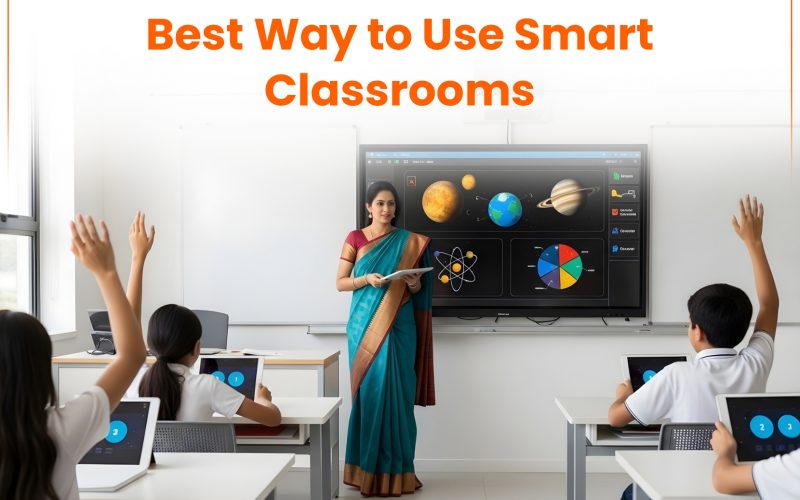
Smart classrooms are becoming common in schools across India. But just having a smart board or digital content does not improve learning on its own. I’ve seen classrooms with all the right tools still struggle to keep students engaged. At the same time, some teachers use basic features and get much better results. So the real difference is not the setup. It’s how the smart classroom is used.
What is the best way to use a smart classroom?
The best way to use a smart classroom is to focus on learning goals first and then use digital tools to support explanation, interaction, and assessment. Technology should make concepts clearer and involve students actively, not turn them into passive viewers.
Start with clear learning goals in a smart classroom
Before opening any digital content, the teacher should be clear about what students need to learn in that class. Without that, even good visuals and videos can confuse more than help.
In my experience, lessons work better when the explanation comes first and the technology supports it. For example, a science concept that is difficult to imagine can be explained through a short animation. A maths problem can be solved step by step on a smart board so students follow the process clearly.
- Decide the learning outcome first
- Use digital content only where it adds clarity
- Avoid using visuals just for the sake of it
Use smart classroom tools to make learning interactive
One common mistake is treating the smart classroom like a screen for watching videos. That leads to passive learning, where students sit quietly but don’t really understand. Instead, the tools should make students participate.
Pause videos and ask questions. Let students come to the board and solve problems. Use quick quizzes to check understanding during the lesson, not just at the end. These small actions make a big difference in how much students retain.
- Ask questions during explanations
- Involve students in using the board
- Check understanding in real time
Keep digital classroom teaching simple and focused
More tools do not mean better teaching. In fact, switching between too many apps or features can break the flow of the class. I’ve seen lessons where half the time goes into managing the technology instead of teaching. That defeats the purpose. It’s better to use a few tools well and keep the lesson smooth.
- Stick to tools you are comfortable with
- Avoid constant switching between platforms
- Focus on clarity over variety
Use data from smart classrooms wisely
Many smart classroom platforms provide student performance data, test results, and progress reports. This can help teachers understand where students are struggling. But data alone is not enough. It needs interpretation.
A low score may mean the student did not understand the concept, or it could mean they were confused by the question format. Teachers need to combine this data with classroom observation to make better decisions.
- Review performance regularly
- Look for patterns, not just marks
- Adjust teaching based on insights
Train teachers for effective smart classroom use
Technology works well only when teachers are comfortable using it. This is often overlooked. Training should not be limited to basic features. Teachers need to see how these tools fit into real classroom teaching. They should get time to practice and try different approaches.
- Provide regular hands-on training
- Focus on real classroom use, not just features
- Encourage teachers to experiment
Balance digital and traditional teaching methods
Not every topic needs a screen. Some concepts are better explained through discussion, writing, or simple board work. A good smart classroom keeps a balance. It uses digital tools where they help and traditional methods where they feel more natural.
- Use digital tools for visual and complex topics
- Use traditional methods for discussion and practice
- Avoid overuse of screens
How platforms like AASOKA support smart classrooms
Platforms like AASOKA can help teachers manage smart classrooms more effectively by bringing content, assessments, and student tracking into one place. Teachers can access structured learning material, create assessments based on different learning levels, and monitor student progress without adding extra workload.
For students, it supports better understanding through visual content and regular practice. Parents also stay informed through performance updates and reports. But even with such platforms, the role of the teacher remains central.
Benefits of using smart classrooms effectively
When used the right way, smart classrooms can improve learning in clear ways:
- Better understanding through visuals and simulations
- Higher student engagement and participation
- Faster feedback through digital assessments
- Easier tracking of student progress
Do smart classrooms improve learning?
Yes, smart classrooms can improve learning, but only when used actively. If students are involved, concepts are explained clearly, and teachers use data to guide teaching, the impact is visible. If used passively, the results are no different from traditional methods.
A smart classroom is not about the technology in the room. It is about what happens inside the classroom. When the focus stays on clear teaching and active learning, the tools start to make sense. Otherwise, they are just screens on a wall.